A simple and easy-to-use video editor for beginners
VHS Video Editor – ShotCut is a free-to-use video editing app that caters to a wide range of users, from casual creators to newbie editors. Offering an array of features, this multimedia tool positions itself as an all-in-one solution, making it a compelling choice for those looking to create slideshows, movies, vlogs, and more.
Top Recommended Alternative

As compared to numerous other video editing apps — including CapCut and VN Video Editor Maker VlogNow — VHS Video Editor – ShotCut doesn’t really offer too many advanced features that could set it apart from the crowded multimedia market.
Make edits with a few simple clicks
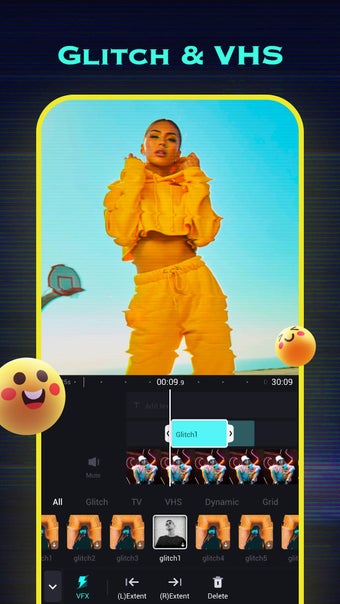
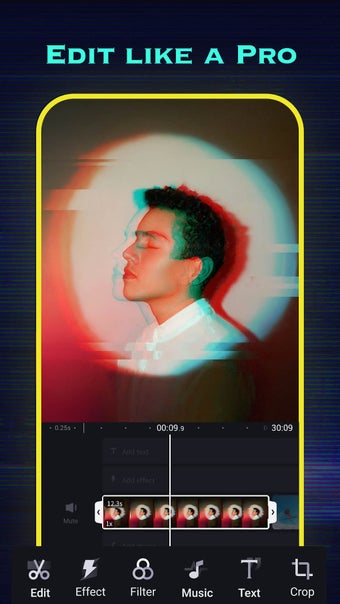
With VHS Video Editor – ShotCut, users can reverse, crop, cut, and trim videos effortlessly. The merging and combining tools are particularly useful for creating seamless video projects from multiple clips. ShotCut’s video enhancement capabilities are also noteworthy, allowing users to upscale and improve video quality with a single click using AI technology. Additionally, the app offers a video compressor for reducing file sizes and a video converter to export videos in HD quality.
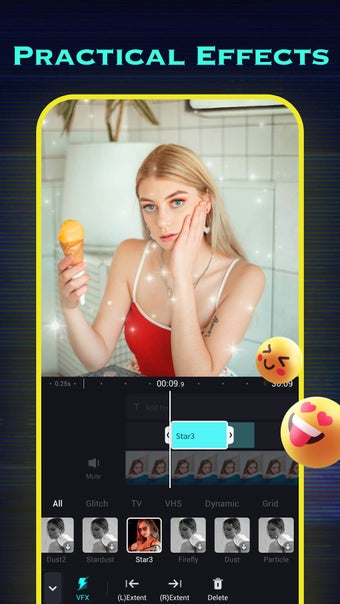
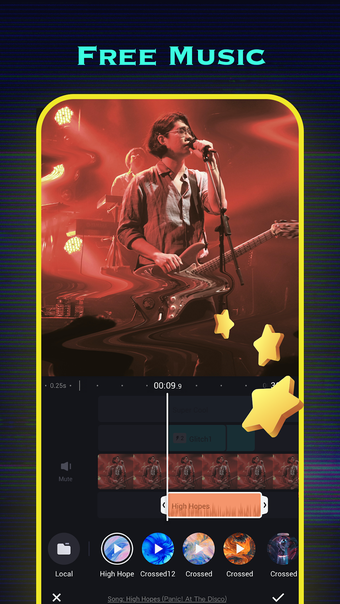
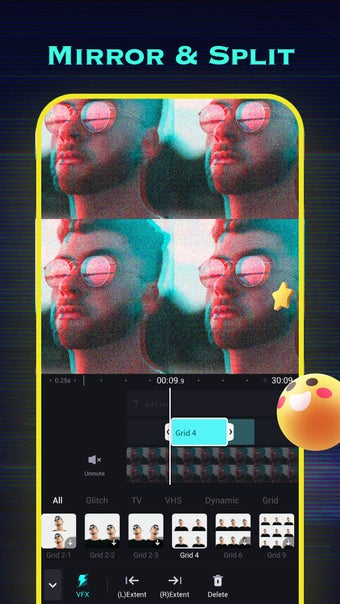
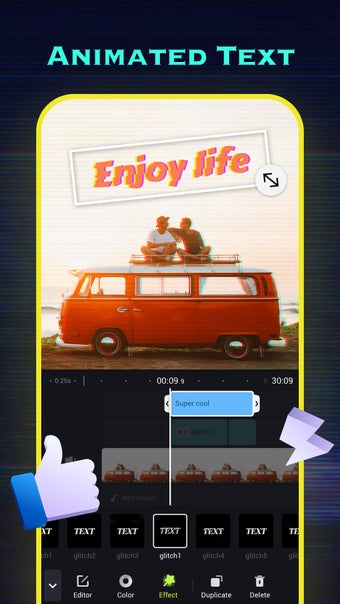
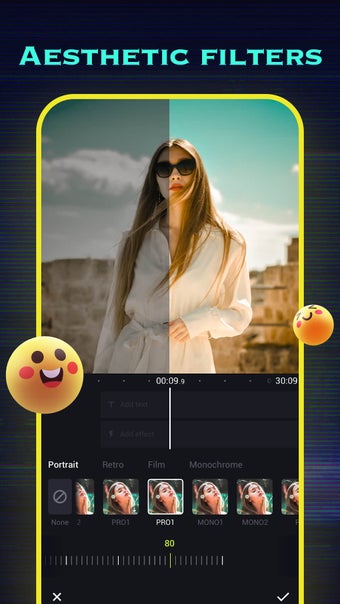
Adding music to videos is also a straightforward process, with options to include songs, voiceovers, and sound effects. The app supports creating stop-motion animations, slow-motion effects, and blurred or pixelated videos. ShotCut’s library of video effects and filters even caters to creative needs and is especially useful for social media content creators on platforms like Instagram and TikTok. Meanwhile, the video stabilizer and green screen editor further extend the app’s capabilities.
Despite its many strengths, ShotCut has a number of limitations. Firstly, the customization options are somewhat limited, and many advanced features are locked behind a paywall. Although many of the features can be unlocked by watching ads, there are instances where users are not rewarded after viewing the ad, which can be a great source of frustration as you’re forced to rewatch another lengthy pop-up.
Nothing too special
VHS Video Editor – ShotCut presents a beginner-friendly platform that features a wide range of modern effects and filters that fit social media’s fast-changing trends. However, the limitations in customization and the frustration of locked features behind ads and paywalls can deter some users. Overall, it’s a decent option for someone who wants a quick and easy editor, but it doesn’t really stand out much in the vast realm of editing apps.